Sunday, 6 August 2017

Aicp 10 5.1.1 Based Rom for lava iris x8 (mt6592)

Aicp 10 5.1.1 Based Rom for lava iris x8 (mt6592)


The Android Open Source Project

Code:
/*
* Your warranty is now void.
*
* I am not responsible for bricked devices, dead SD cards,
* thermonuclear war, or you getting fired because the alarm app failed. Please
* do some research if you have any concerns about features included in this ROM
* before flashing it! YOU are choosing to make these modifications, and if
* you point the finger at me for messing up your device, I will laugh at you.
*/


What is AOSP?
AOSP is Android as Google publish without other modifications. More or less AOSP is the Nexus devices stock rom 


This Rom is ported From Nibru H1 Device


Special thanks to, the CM team,OMNI team ,SLIMROMS and of course to all the supporters


Features
working

Dual sim. 1st Sim is 3G.
Video recording (3rd party)
Bluetooth
Wifi
Audio working
Outgoing call working
SMS working and new sms FC fixed.
Themes working.
Camera working
Full UI working
Video playback
Default storage is sdcard.
Explore more by yourself.
Tested with Google Maps
Google Contacts, Calender Sync WorkingYou can choose : Preferred Install Location
All Games,Apps Supported on Play Store (Unlike Before, on CM12)
Omniswitch
Ad blocker
CM12.1 features
Gesture Anywhere
Show CPU Info
App Circle Bar
CM Theme Engine
Notification FC Disabler
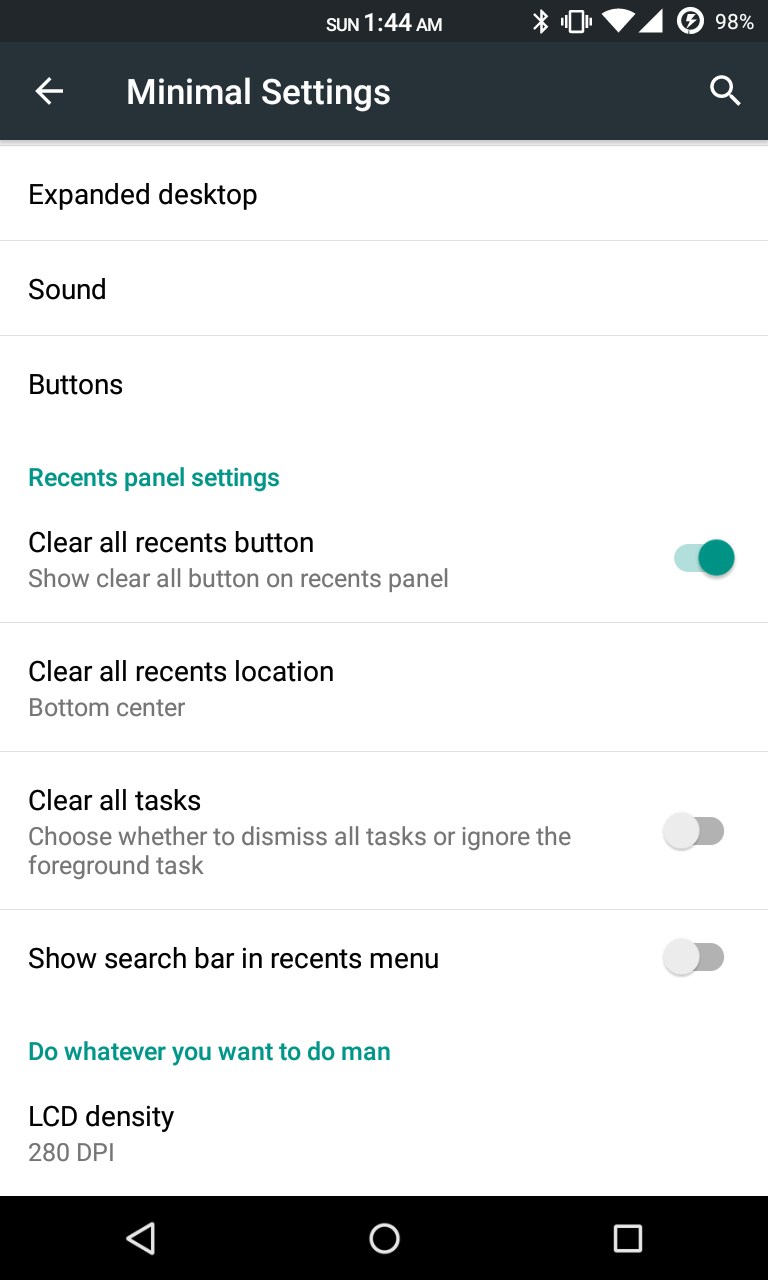
LCD Changer (persistent)
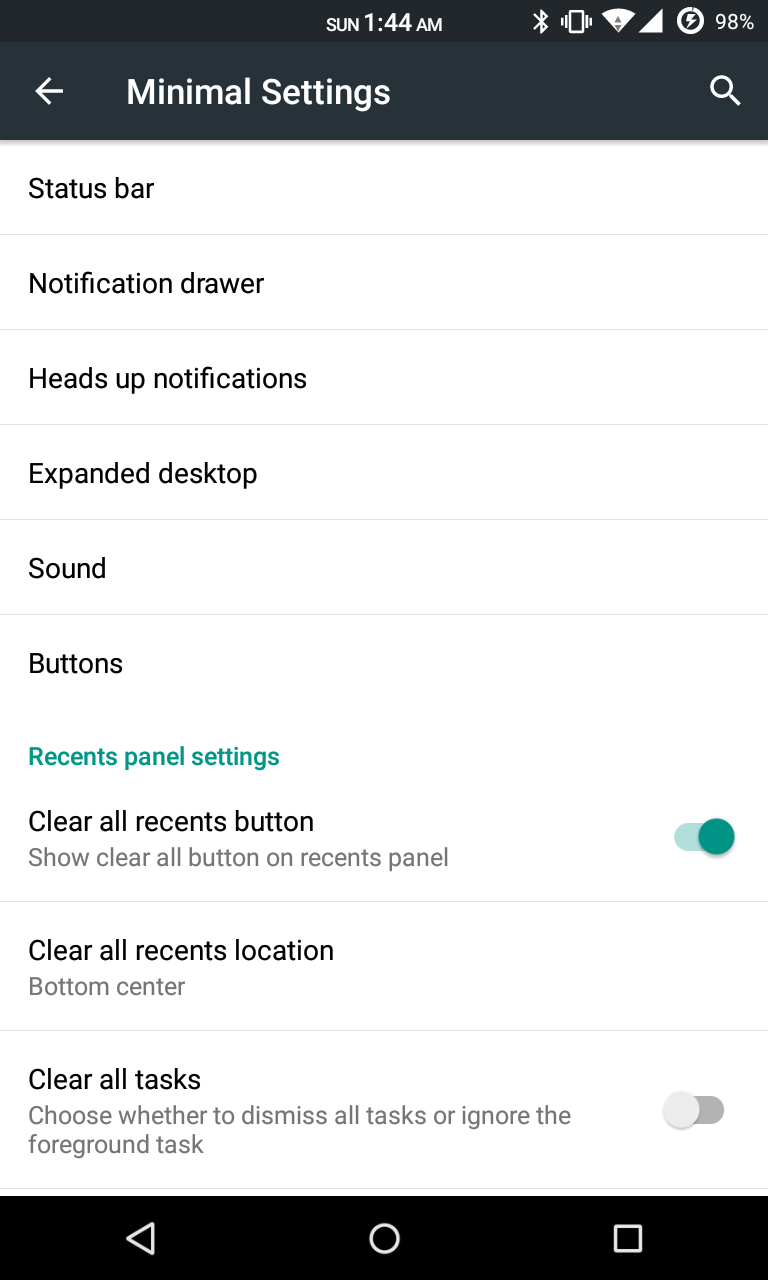
Recents Panel Settings
Network Traffic on statusbar
Boot animation changer
Slim’s Heads Up, with the ability to disable QS Tiles

Add Titanium backup
Gapps
Root by kinguser (do not use superuser or superSU or you will lose your titanium backup!!! )


Not Working/Bugs:

Sim2 Data not working
Hotspot
Fm Radio

Q- When u call someone ur phone is reboot A- When your aicp rom will boot just go to setting select the sim which you want to call dont let always ask else everytime if u you call Someone phone Will reboot


DOWNLOAD LINKS
ROM: LINK

PATCH 1 AUDIO : LINK
PATCH 2 CAMERA : LINK updated LINK updated now
Sim reversal fix : LINK

LOW SOUND FIX
LINK

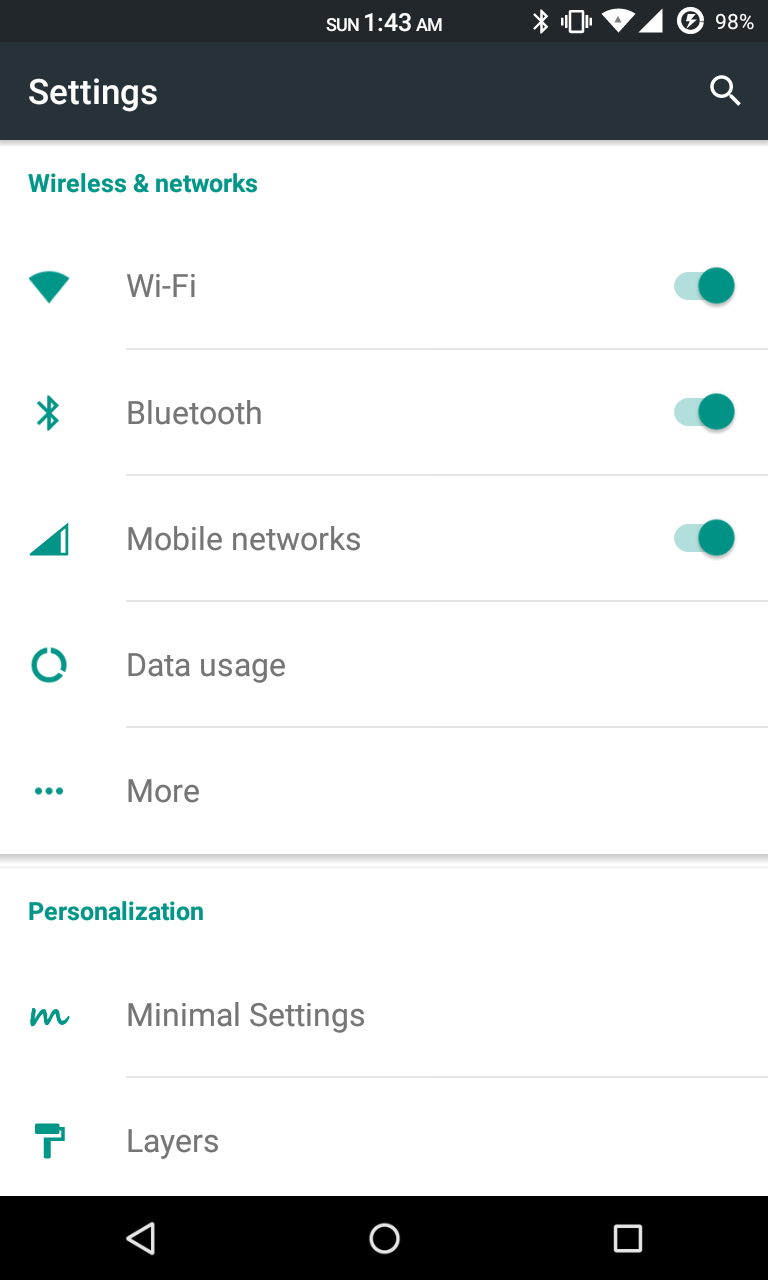
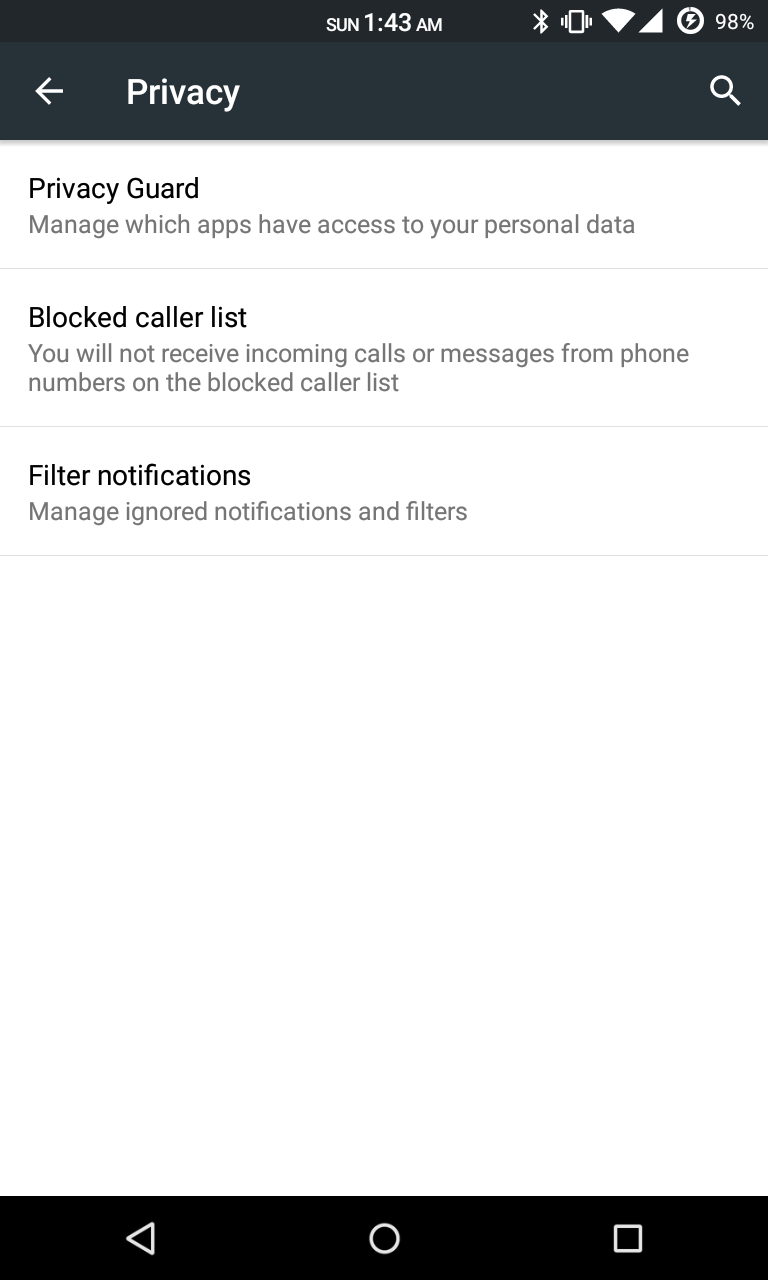
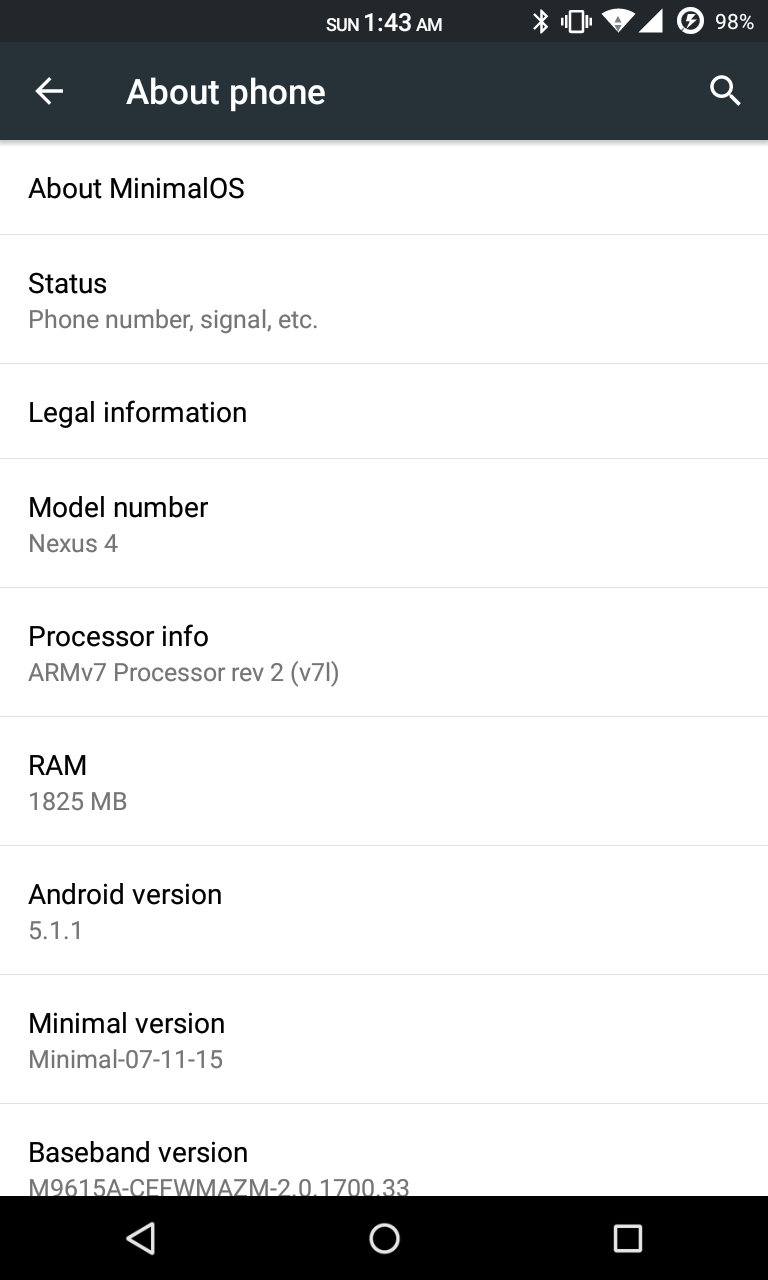
[5.1.1][LAYERS] Minimal OS 3.0 For MT6582 - Stable


Minimal OS For MT6582

Minimal OS is an after market True AOSP ROM for MT6582 with Layers support. This ROM is pureAOSP. You can perfectly use RRO Layers. Get the Nexus Feel, This ROM is stable, smooth,lightweight and true AOSP.

SCREENSHOTS


DOWNLOAD LINKS 
HERE 

CREDITS 

Saturday, 5 August 2017

Mokee OS for MediaTek MT6582/91/92


Features:
  • ListView animations
  • Multi window
  • Calendar - with lunar and solar calenders
  • Lunar calendar in lock screen
  • Task switching sidebar in recent apps (the list will increase if you install supported apps)
  • Bulk SMS recipients
  • Adjustable SMS font size
  • SMS sending delay
  • Smart dialing
  • Speed dialing
  • IP dialing
  • Custom carrier name
  • Network speed in status bar (upload and download!)
  • Built in timer in Apollo - determine when to stop playing music
  • MoKee Setup Wizard
  • Active Display
  • Adjustable navigation bar height
  • Unique Power Saver functions!
  • Custom screen off animations
  • Customizable recent apps shorcuts
  • Lockscreen notifications
  • Working CM11 theme engine
  • Many more! Since we are constantly adding new features, see changelogs to keep updated!
SCREENSHOTS

Friday, 4 August 2017

[ROM] SAMSUNG NOTE 5 EVOLUTION (MT6592) FOR PORTERS

[ROM] SAMSUNG NOTE 5 EVOLUTION (MT6592) FOR PORTERS 


ROM Features :
Features:Dual Sim Supported
Samsung Note5 UI
Note5 Camera
Note5 Dialer
Note5 Contact
Note5 Messaging
Note5 Notification Toggles & Quicksetting
Note5 Setting
Note5 Music Player
Note5 Wallpapers
Note5 CalculatorS
Note5 Heart Rate
Note5 FM
Note5 Weather WidgeTS HealthS
Note 5 Scrap Book

REMINDER! Please make sure to back your NVRAM folder or IMEI before Flashing this one!


Flash it with your own RISK!!!

I am not responsible for any damage or soft/hard brick will happened to your device!

--ROM LINKS-- 
link


- AFTER FLASHING WILL AUTO REBOOT.

super su 

LINK

u can flash dolby and viper x too :)

HOW TO INSTALL?
(Phils/TWRP/CWM)
Go to recovery...
Clean to install new rom
install zip
after installing the zip wipe cache and dalvik/art cache then REBOOT!
and choose no.

CREDITS

NOVA Team [ROM Source]
 Jeff Edrosolam [Bootlogo]
 Danilo Caballero [ROM Master]

AND ME TOO :)

Thursday, 3 August 2017

Google boot logo for iris x8
Just flash the zip
Any ROM
Just flash and enjoy
Link

CUSTOM RECOVERY FOR MTK DEVICES

Custom CWM Recovery For MTK


CWM RECOVERY For Micromax, Karbonn, ZTE, Huawei, Dogee, All Samsung Clones, All iPhone Clones and all MTK Devices

THINGS YOU NEED :  
  • A MediaTek android device (MT65XX) 
  • Your phone must be rooted already: HOW TO ROOT
  • USB Chord.
  • Windows PC/Laptop.
  • For ADB Drivers : Download pdanet+

TOUGH WAY (if u don't trust me)

MTK DROID TOOLS DOWNLOAD : MTK DROID TOOLS
How To Flash ClockworkMod (CWM) Recovery on Any MediaTek (MT65xx) Android Device :


1. Download necessary files above.

2. Install the downloaded PDANet to your computer. It contains ADB Drivers.

3. Turn on your android device and connect it to your computer using USB Chord. (Make sure to Enable USB Debugging, go to phone Settings -- Developer Options -- Enable USB Debugging.)

4. From your computer, open MTK Droid Tools that you have downloaded above and extract it to your desired location.

5. Open MTK Droid Tools.exe from the extracted folder (Run as administrator). Wait for the tool to detect your device. (If UBIFS warning appeared in the status message, this process will not work for you. Only ext4 supported.). Notice on the bottom-left part of the tool, a YELLOW color indicator means that your android device is does not have root shell yet. If it is GREEN already, proceed to step 7.

6.  Click ROOT button to enable root shell your device. Wait for the progress bar on the Status, see your phone to Grant Superuser access. If the color indicator turns GREEN, then you have successfully enabled root shell for your device.

7.  Now, select the Root, Backup, Recovery tab and and further choose To Use Boot From Phone from the selections. Click Recovery and Boot, a message prompt will appear "To make CWM recovery automatically", click YES.

8. Wait for the tool to build the CWM recovery and another prompt will appear "install patched boot to phone?" select NO, wait a little bit more and another prompt will appear again "install created recovery to phone", now select YES.Auto Insurance

9. When the tool ask you to reboot your phone to recovery, click Yes and it will reboot to CWM recovery shortly. Check out your new custom recovery.Auto Insurance

Congratulations! You now have ClockworkMod custom recovery on your MediaTek android device.

EASY WAY (DONE BY ME)


THINGS YOU NEED :  
  • A MediaTek android device (MT65XX) 
  • Your phone must be rooted already: HOW TO ROOT
  • Mobile uncle tools

How To Install CWM Recovery on Lava Iris x8 and other Mtk devices

  • Download the file named recovery.img
  • Transfer the recovery.img file to the root of your phone memory via USB data cable
  • On your phone, download and install Mobileuncle Tools from the Play Store
  • Launch Mobile Uncle Tools. When it requests for Root Permissions, tap Grant
  • You should now see the Main Menu in Mobileuncle Tools
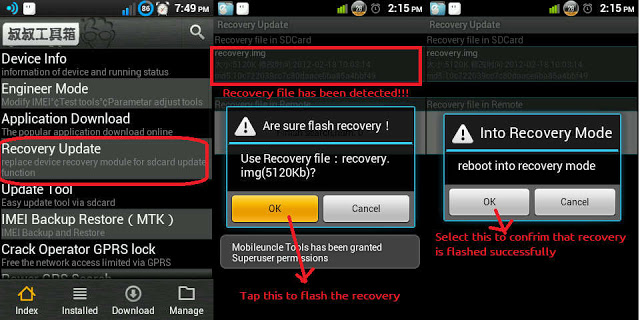
  • Tap Recovery Update
  • The app will scan your phone and list the recovery.img file you transferred to your phone earlier
  • Tap the recovery.img option. You should now see a dialog box asking you if you’re sure you want to flash the recovery. Tap OK
  • At this point, your phone may seem unresponsive. Just be patient and let the tool flash the recovery image. Once the flashing is complete, you should see another dialog box asking you to reboot to recovery, Tap OK
    image: http://cdn6.dottech.org/wp-content/uploads/2014/03/Flash-recovery-via-Mobileuncle-Tools-620x310.jpg?e55e40
    Flash recovery via Mobileuncle Tools
  • Your phone should now reboot into CWM Recovery
That’s it!! You have successfully installed CWM Recovery on your rooted Micromax Canvas 4 A210, and are all set to check out custom ROMs on your rooted device. Enjoy!!


Wednesday, 2 August 2017

[ROM][6.0.1 r22][MT6582] Cyanogen Mod 13.0 Unofficial MediaTek


[ROM][6.0.1 r22][MT6582] Cyanogen Mod 13.0 Unofficial MediaTek

CyanogenMod is a free, community built, aftermarket firmware distribution of Android 6.0.x (Marshmallow), which is designed to increase performance and reliability over stock Android for your device
Android version: Android 6.0.1 Kernel Version: 3.4.67 Build Date: 2016-03-18 AOSP version: MHC19J
Whats Working :
Wi-Fi
Ussd
Audio
Message
Microphone
Ril
Data
Hotspot
Screencast
Youtube 720p
Camera: both rear and front are supported (rear cam only 8mp)
Flashlight
Sd card as default (but internal sd not mounting)

Bugs :
Bluetooth
Gps
Videorec

Flash Instructions:
  • You need to be on the Unofficial KitKat Base
  • Put the cm-13.0-xxxxxxxx-UNOFFICIAL-mt6582-UPT.zip on external SDCard
  • Flash the new Philz Recovery using flashify or SP tool
  • Full Wipes
  • Flash Rom
  • Flash nano GAPPS 6.0
  • Enjoy
Note : Dont replace any libcam, cam will force stop
Downloads :
Boot emulated device :
Credits :
ferhung-mtk
xen0n
hyperion70
ariafan
zormax
fire855
dhea mohamad apriandi (compiling cm13 from source)
edi purwanto (fixing cam)
fatturahman ara
Unknown Porting Team
Beta Tester Indo